Who Am I Building This For?
I want to build software for consumers, software for myself as a developer, agents for my own work, and software for agent builders. I also want to spend more time contributing to open source, especially around AI.
Separating these ideas by audience is more useful to me than ranking everything in one long backlog. It forces me to ask a simple question first: Who am I building this for?
Software for consumers
Many of my consumer ideas begin with my family. YummyLog (yummylog.yummyjars.com, a full-stack app for keeping a food image gallery) is one example. Other ideas include a family countdown, a tool for finding things to do with children, and software that helps teachers turn what they know into a small business.
The teaching idea is the one I return to most often. Shopify helps people sell, and Replit helps people create software. I wonder what a similarly direct platform for teaching might look like. Teachers can publish on YouTube or other creator platforms, but those platforms are not built around a complete learning path.
I am especially interested in material that has been digested by a real teacher. Andrej Karpathy’s Zero to Hero is valuable because the explanation comes from someone who deeply understands the subject. Products such as MagicSchool explore AI for educators, while Eureka Labs explores AI-native education.1 My own interest remains centered on helping a person package and teach what they genuinely know.
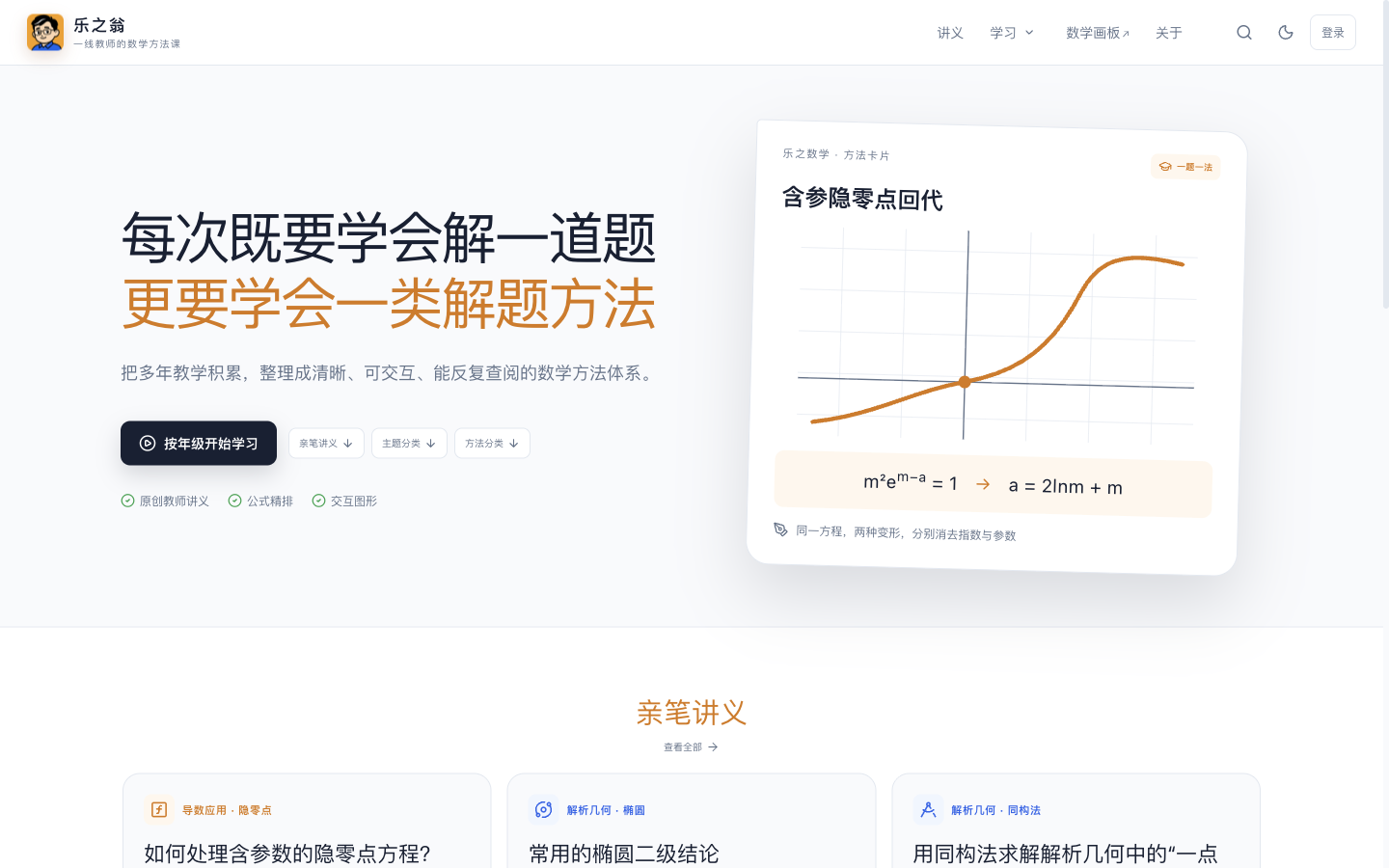
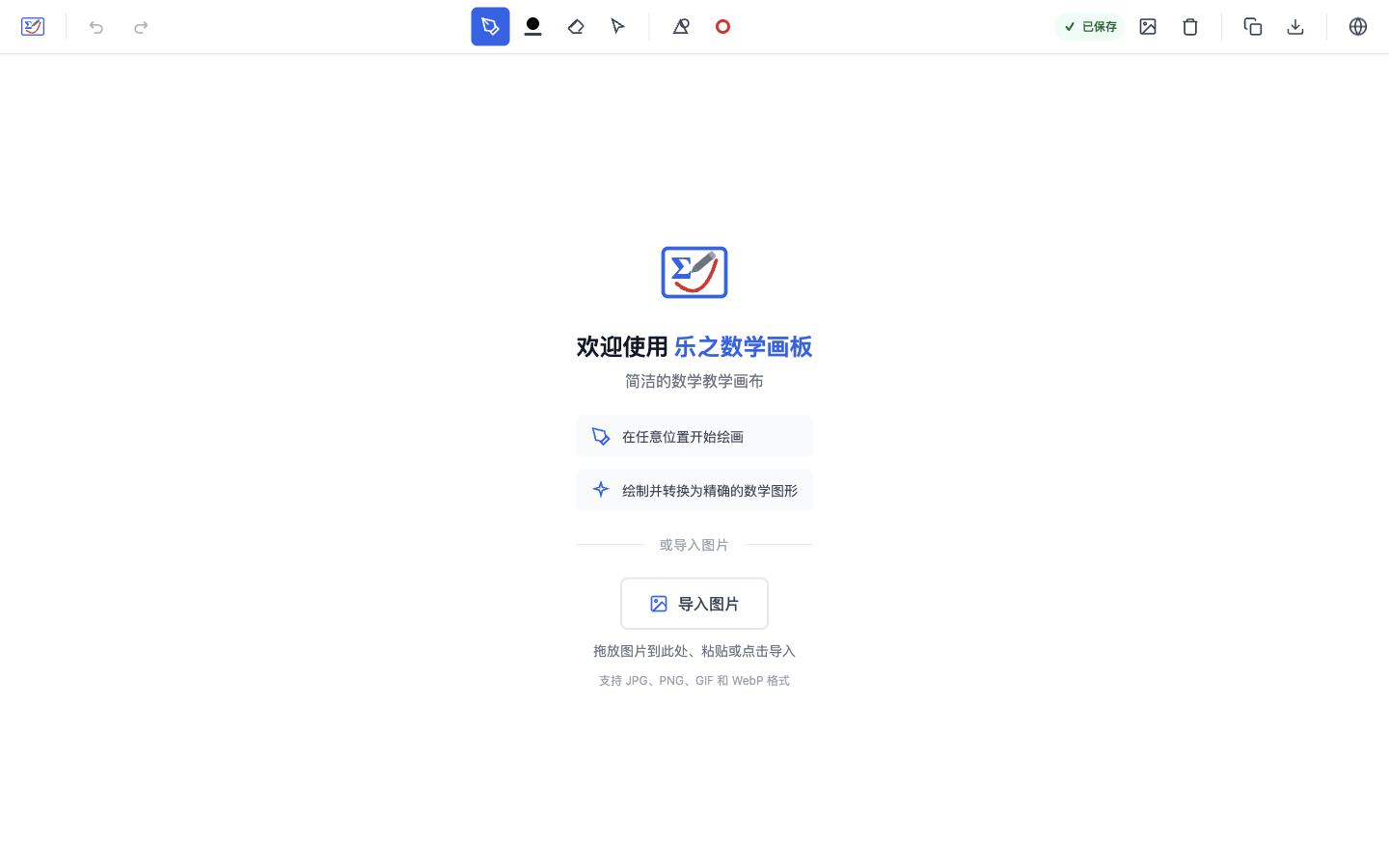
That line of thinking now appears in projects such as 乐之翁 (lezhiweng.com, an educational website hosting high-school math materials curated by my dad) and OpenMathBoard (lezhi.school, an open-source math whiteboard for teaching).
Software for myself
The longest list is software for myself. It includes private notes, a personal website, a prompt CLI, OCR, richer GitHub repository metadata, founder stories, a VS Code debug-profile generator, a Docker-based Python environment manager, and educational projects for learning systems such as Redis or Docker.
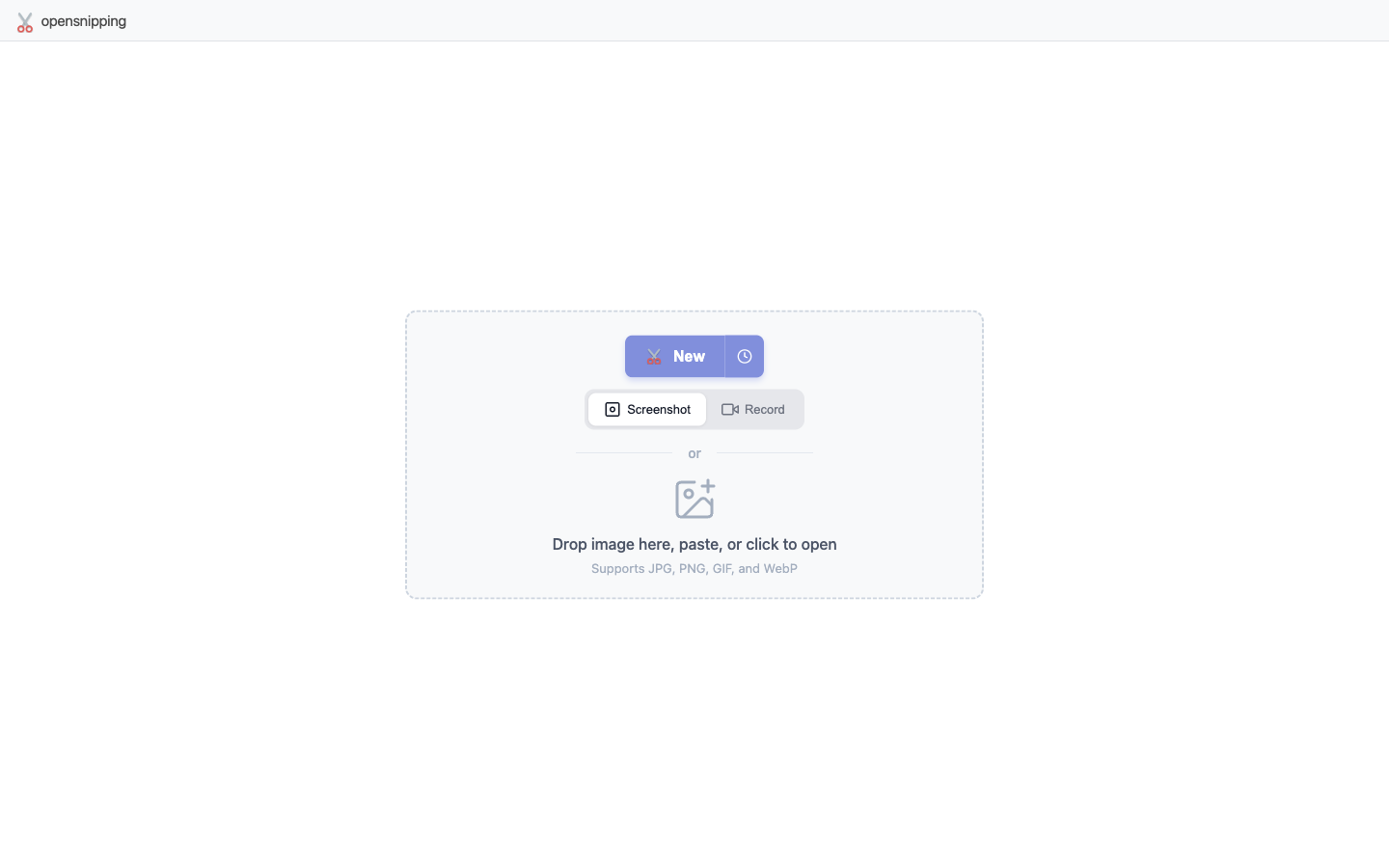
Some ideas are tiny because the annoyance is tiny. I wanted a screenshot tool that worked the way I expected, so I built OpenSnipping (yummyjars.com/opensnipping, a browser-based screenshot and annotation tool) and published its source on GitHub.
Other ideas are really learning projects disguised as products. Building a small Redis-like system can teach me more than reading another overview of Redis.
This category is easy to underestimate. Software for one person does not need a market analysis before it becomes useful. If I use it repeatedly, it has already passed a meaningful test. If other people have the same problem, it can grow later.
Agents for my own work
I would like agents to handle jobs such as preparing containers, helping in the terminal, setting up development environments, and automating repetitive engineering work. The exact list changes, but the pattern is stable. I want agents to remove setup friction while leaving important choices visible.
An AI-powered linter is one example. A normal linter knows explicit rules. An agent can also explain why a finding matters, suggest a focused fix, and check whether the fix changed behavior. The useful part is not adding chat to a linter. It is connecting judgment with a repeatable tool.
Software for agent builders and agents
I also separate tools for people building agents from tools used by agents themselves. An agent builder might use the OpenAI Agents SDK or Langfuse. An agent itself may need a tool exposed through the Model Context Protocol, such as container-use.
That distinction helps me think about the product surface. A dashboard or SDK is usually for the builder. A narrow, reliable tool contract is for the agent. Trying to serve both with the same interface often makes the idea less clear.
Open source and the knowledge gap
For open source, I am interested in projects such as Ollama, Goose, and Open WebUI. These are areas where I would like to contribute, especially around AI tools I use myself.
I use three simple categories to classify project ideas:
- knowledge base
- tool
- fun
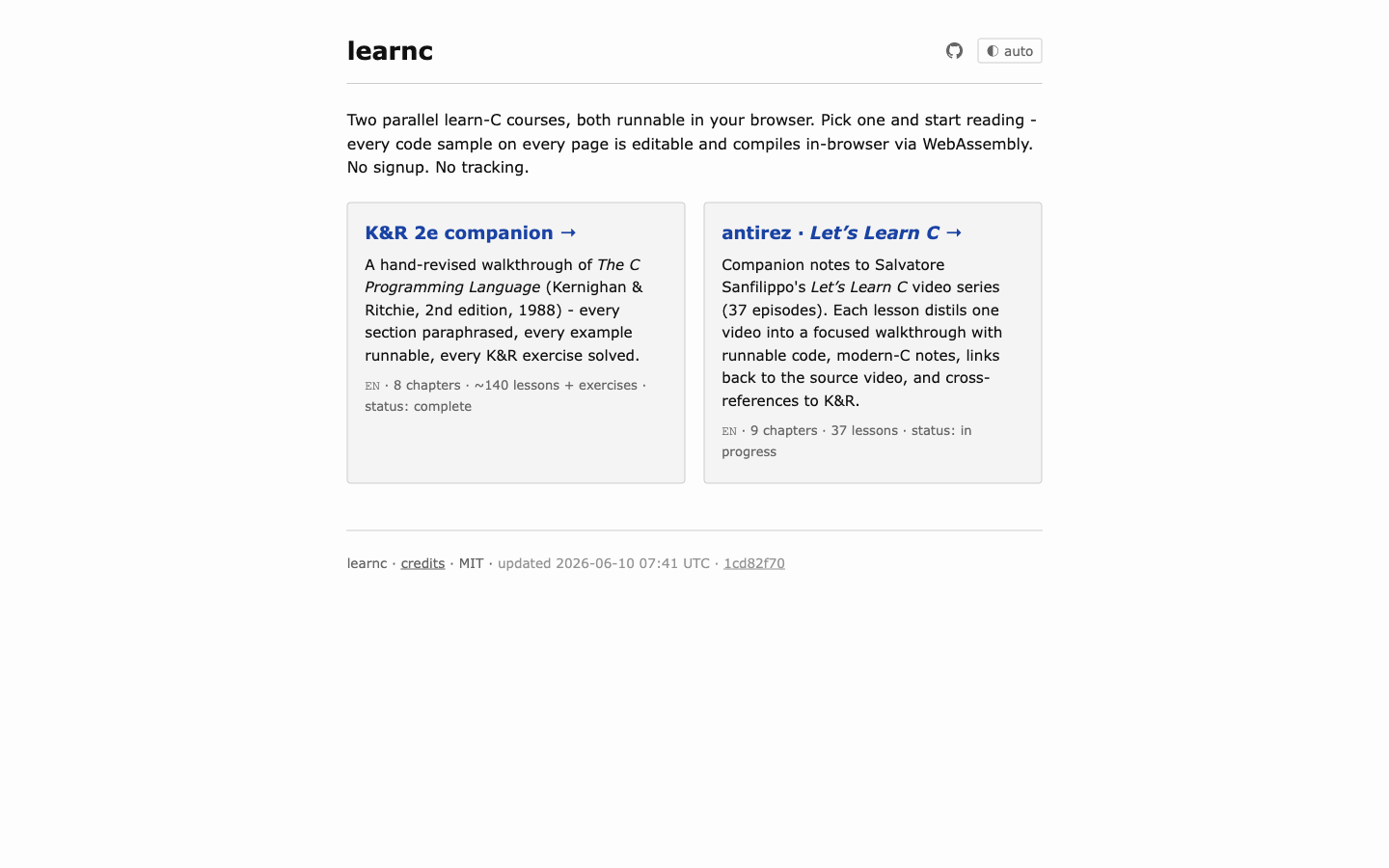
Learn C (b1tank.github.io/learnc, runnable browser courses for K&R and antirez’s Let’s Learn C) and Learn Ghostty (b1tank.github.io/learn-ghostty, a source-backed terminal reconstruction workshop) follow this knowledge-first path. Learn C (b1tank.github.io/learnc) began as a runnable companion to K&R. More recently, I learned from Salvatore Sanfilippo’s Let’s Learn C YouTube series2 and started building an English companion with runnable code, modern-C notes, and links back to each video. Learn Ghostty (b1tank.github.io/learn-ghostty) reconstructs a terminal one observable subsystem at a time, from process ownership and PTYs to a GTK window and OpenGL rendering.
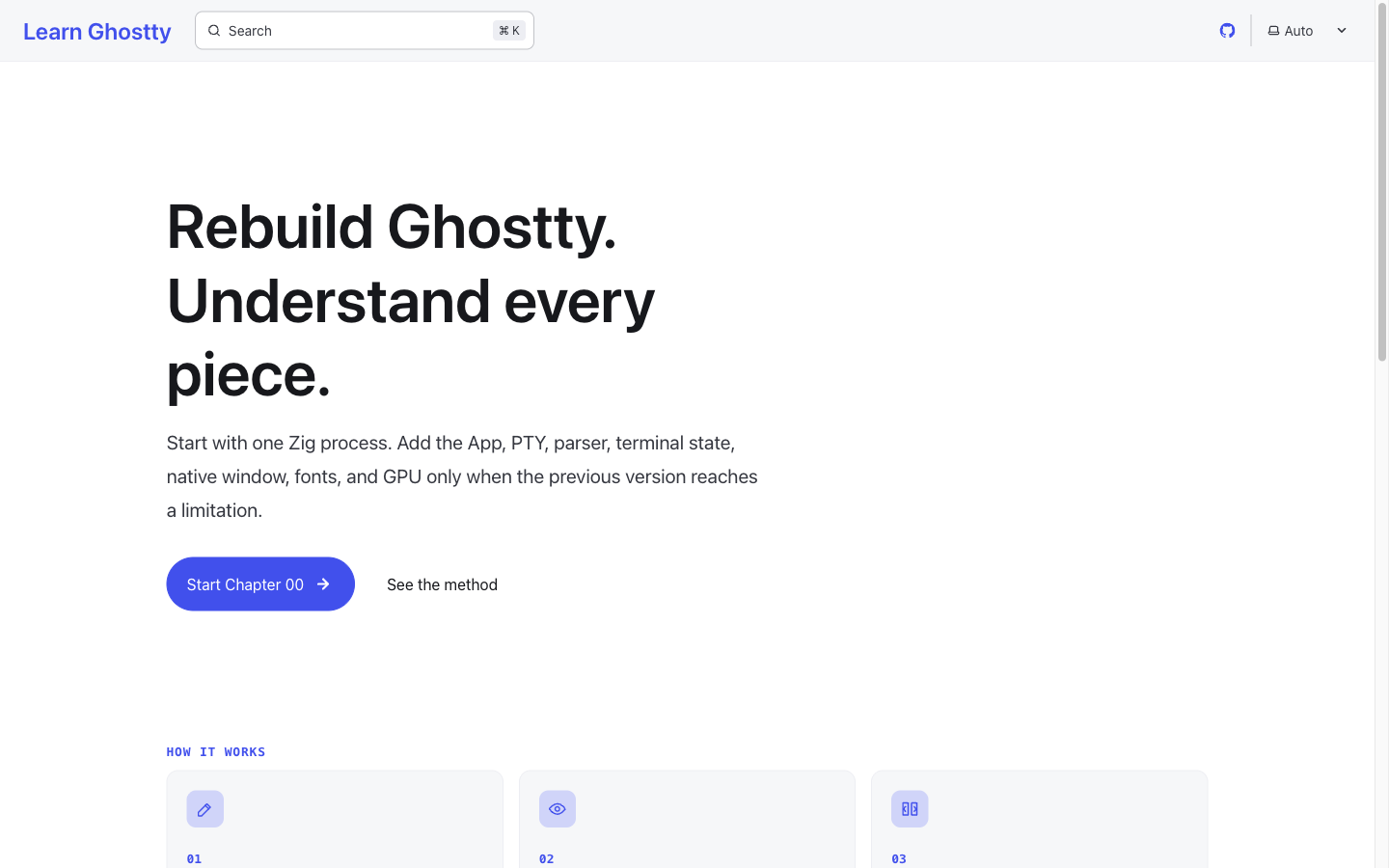
Organizing the knowledge is not preparation before building. It is part of the building.
I naturally want to build tools and fun things. The problem is that I sometimes do not yet know the area well enough to build the right tool. In that case, a knowledge base may be the better first project. Kamran Ahmed built roadmap.sh around structured learning paths.3 Organizing a field can itself be a useful product, and the work exposes where better tools are missing.
This gives me a practical order: learn enough to organize the problem, build something I need, and then see whether it is useful to anyone else. I do not need to start with the biggest idea on the list. I need to start with the idea whose user and problem I understand best.
Footnotes
-
Andrej Karpathy’s Zero to Hero, MagicSchool, and Eureka Labs. ↩
-
Salvatore Sanfilippo, website and Let’s Learn C video series. ↩
-
Kamran Ahmed, creator of roadmap.sh. ↩